

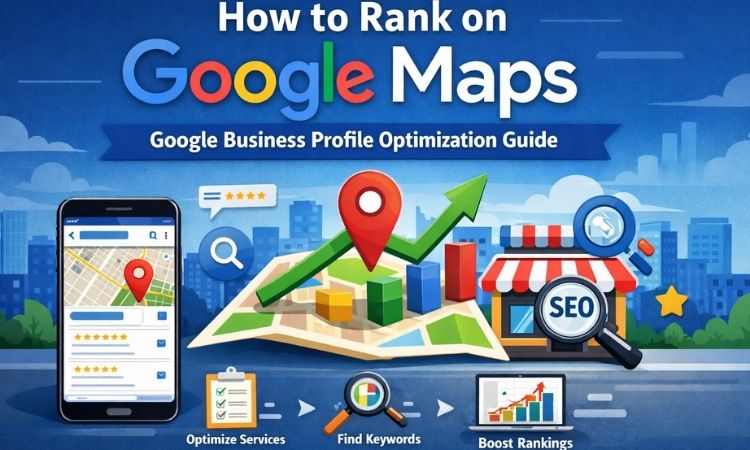
Ranking on Google Maps is one of the most effective ways to generate consistent local leads. When customers search for services “near me,” Google displays a local map pack featuring top businesses based on relevance, distance, and prominence. Optimizing your Google Business Profile Optimization is essential if you want your business to appear in those top results.
At RankEdge Digital, we help local businesses improve visibility, drive calls, and increase foot traffic through strategic Google Business Profile optimization.
Claim and Verify Your Google Business Profile
Before you can optimize anything, you must claim and verify your listing. Verification confirms your legitimacy and gives you full control over your business information. Without verification, your ability to rank and manage visibility is limited.
- Claim your listing through Google Business Profile Manager
- Verify ownership via postcard, phone, or email
- Ensure your business name matches real-world branding
- Avoid adding unnecessary keywords to your business name
Keyword stuffing your business title may provide a short-term boost but can result in suspension. Keep it accurate and compliant with Google’s guidelines.
Choose the Right Categories
Your primary category is one of the strongest local ranking factors. It tells Google exactly what your business does and determines which searches you are eligible to appear for. Selecting the wrong category can drastically reduce visibility.
- Choose a highly specific primary category
- Add secondary categories only if directly relevant
- Avoid broad or unrelated category selections
For example, selecting “Personal Injury Attorney” instead of just “Law Firm” increases your chances of ranking for high-intent searches. At RankEdge Digital, we analyze competitor categories to ensure strategic selection.
Fully Optimize Business Information
A complete profile sends strong trust and relevance signals to Google. Businesses that fill out every applicable section often perform better than incomplete listings. Optimization improves both rankings and conversion rates.
- Write a keyword-rich but natural business description
- Add all services and products
- Update hours, including holiday hours
- Select relevant business attributes
Your description should clearly explain who you serve, what you offer, and what makes your brand unique. Focus on clarity and value rather than stuffing keywords.
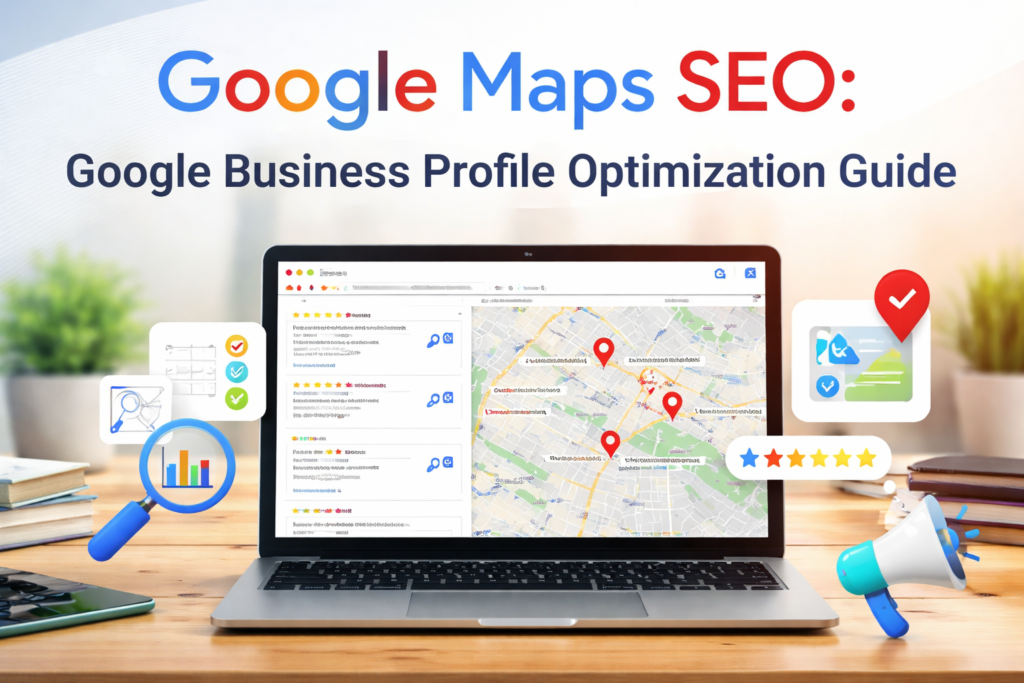
Generate and Manage Reviews
Reviews directly impact local rankings and customer trust. Google favors businesses with consistent, positive, and recent feedback. Reviews also influence click-through rates and conversions.
- Ask satisfied customers for reviews consistently
- Respond to every review professionally
- Address negative reviews calmly and constructively
- Encourage customers to mention specific services
At RankEdge Digital, we implement structured review generation strategies that increase both review volume and keyword relevance naturally.
Add High-Quality Photos and Videos
Visual content improves engagement and sends freshness signals to Google. Listings with regular photo uploads often receive more clicks, calls, and direction requests. Strong visuals also build credibility.
- Upload interior and exterior photos
- Add team and workspace images
- Showcase products or completed projects
- Update images regularly
Authentic, high-resolution images perform better than stock photos. Videos that highlight services or introduce your team can further increase user trust.
Final Thoughts
Ranking on Google Maps requires consistent optimization, reputation management, and strategic execution. By improving relevance, authority, and user engagement, your business can secure top positions in the local map pack.
At RankEdge Digital, we specialize in data-driven Local Performance Seo that helps businesses dominate local search results and convert more customers. With the right strategy, Google Maps can become one of your highest-performing marketing channels.
